Product demos
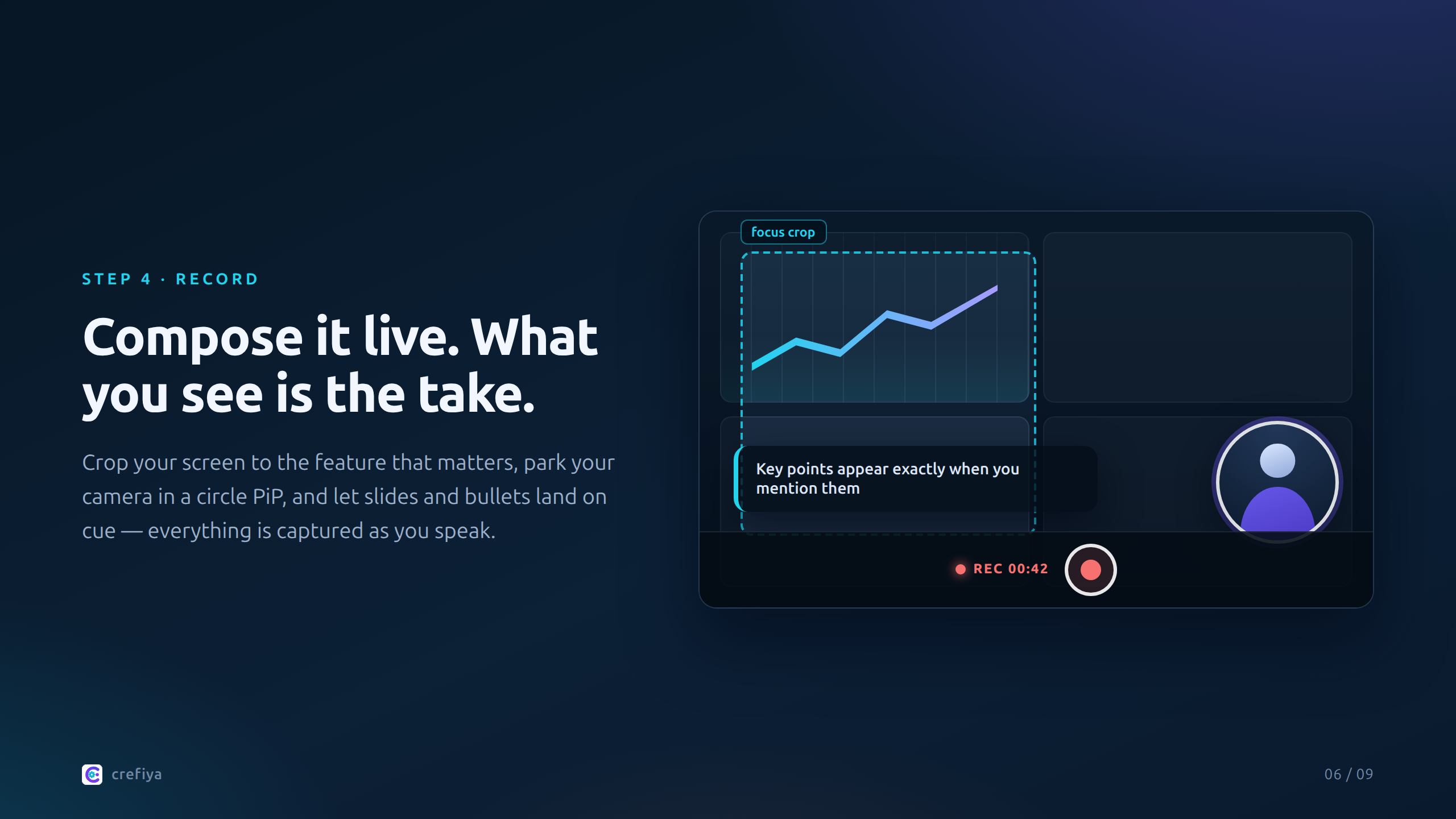
Crop your screen to the exact feature, keep your camera visible, and walk through the flow — scripted or off-the-cuff. The composed layout is captured as you go.

Record • Compose • Finish — All in One Take
Start with a rough thought or a finished script. Build supporting visuals, direct short motion clips, present on camera or through an illustrated avatar, and compose the result live. Manual guest tools are available without signing in; AI and cloud workflows are there when you want them.
Crop your screen to the exact feature, keep your camera visible, and walk through the flow — scripted or off-the-cuff. The composed layout is captured as you go.
Turn teaching notes into a structured script, add slides and bullet reveals, or simply talk through your material naturally. No stitching footage together afterward.
Generate a script and thumbnail with AI, or write your own and hit record. Either way, the camera layout, visuals, and final cut are done in one take.
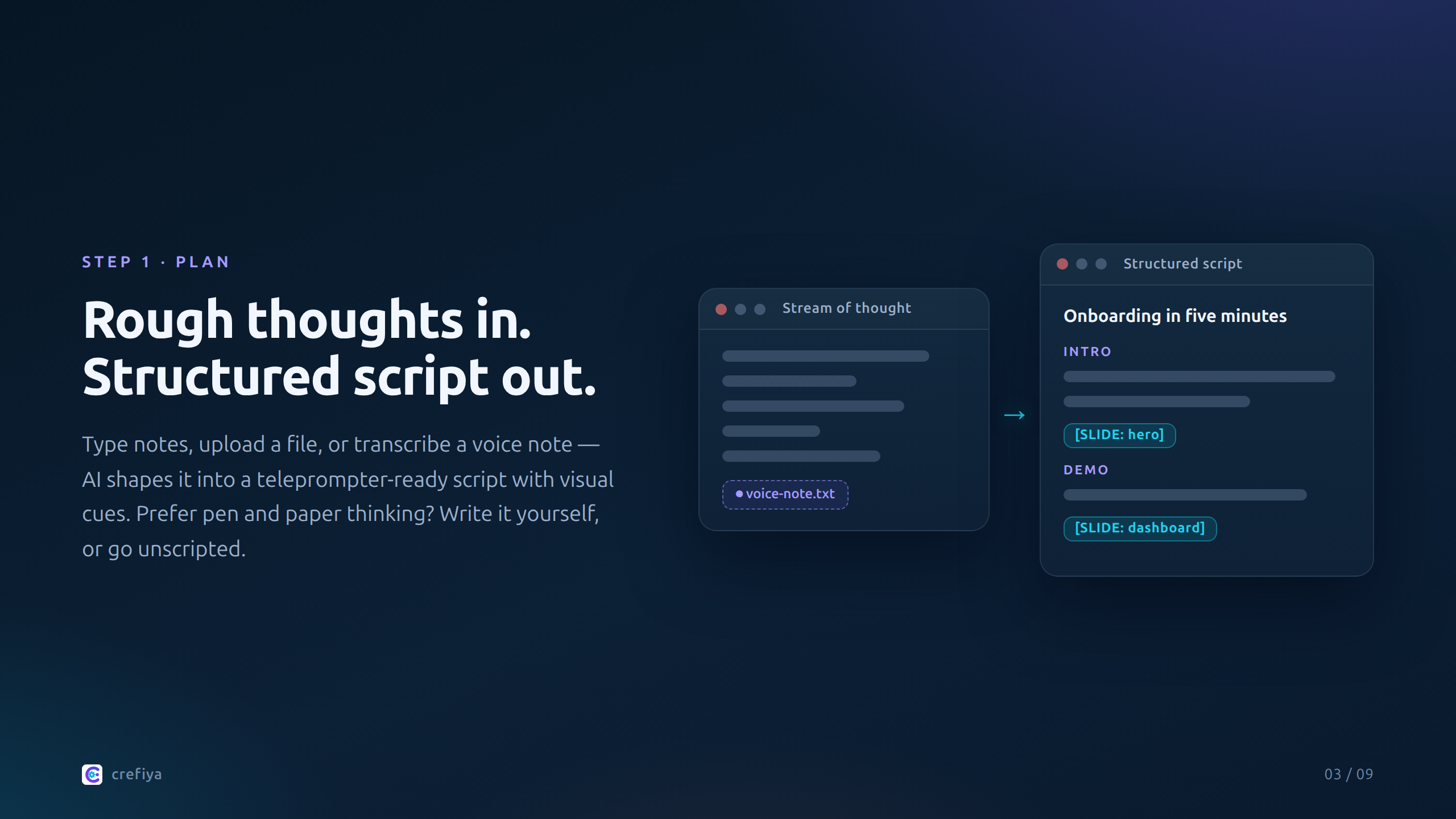
Write from scratch, turn a stream of thought into a structured script, or go completely unscripted. Choose a writing voice, language, duration, and research level when AI is useful.
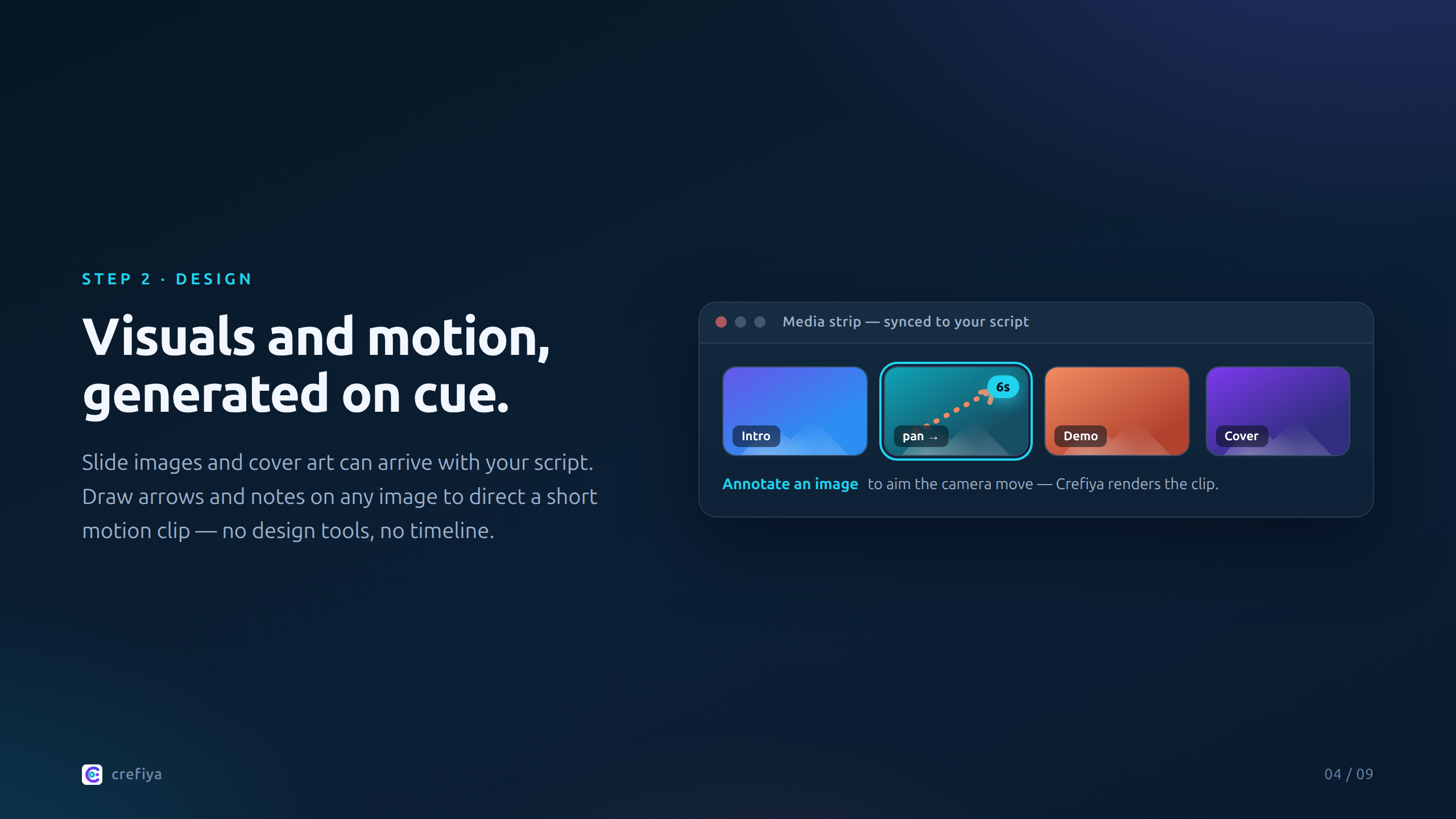
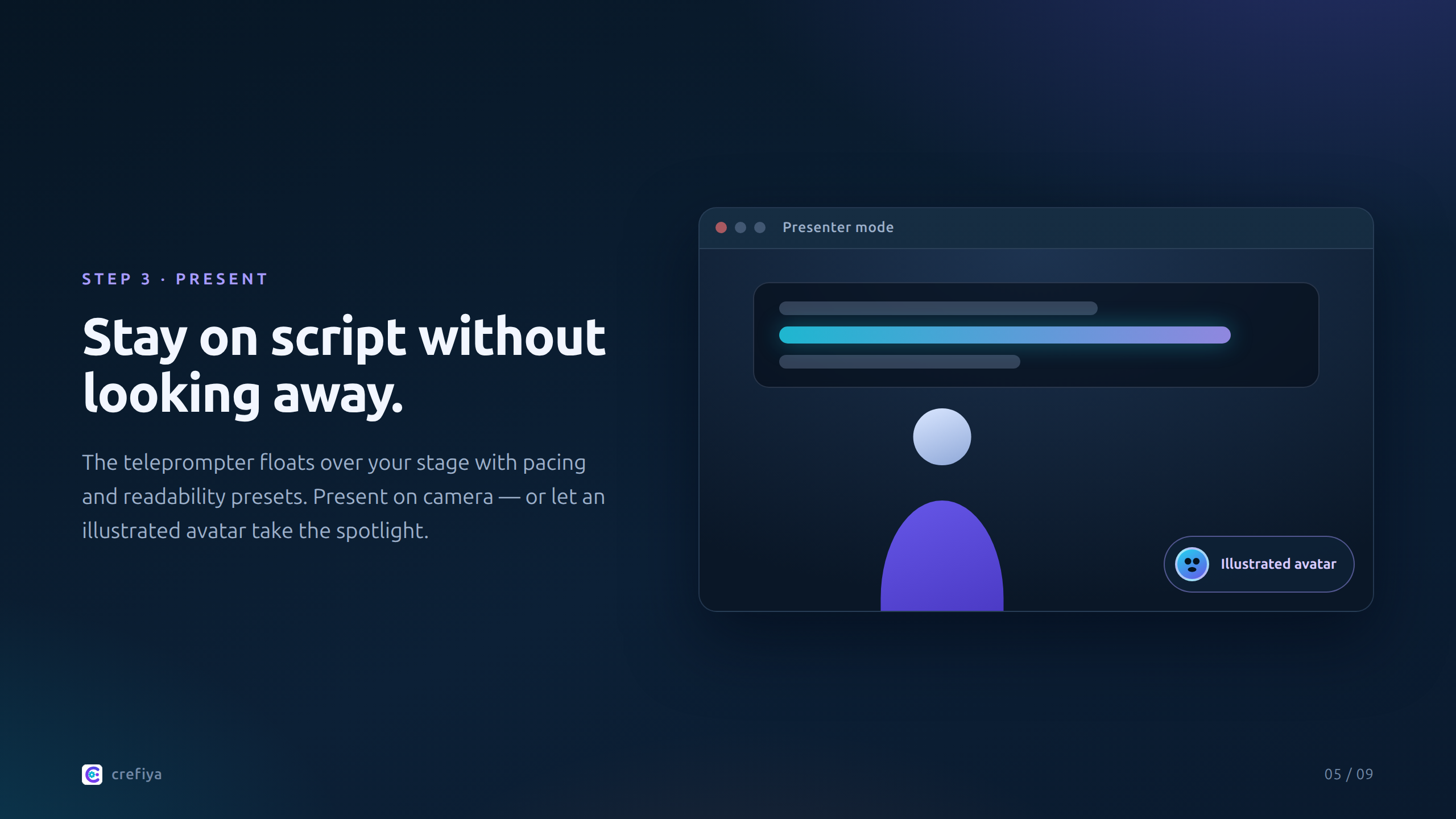
Add slides and cover art automatically, annotate an image to direct motion, build an illustrated presenter, or keep it minimal with camera and screen.
Compose camera or avatar, screen, overlays, bullets, images, and muted visual clips live while you present. What you see is what gets captured.
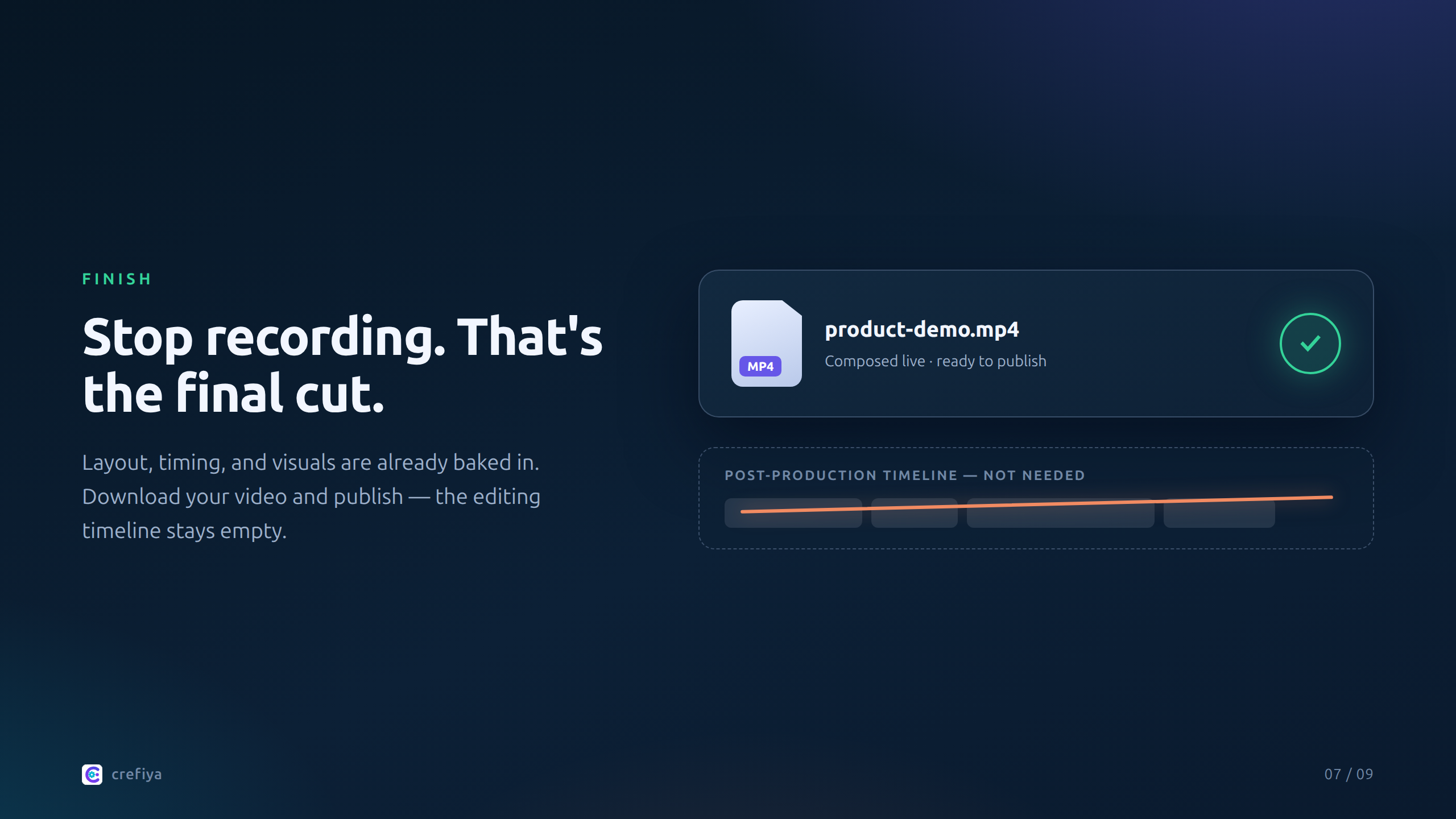
Your recording is the final cut. Layout, timing, and visuals are already baked in — no post-production assembly needed.
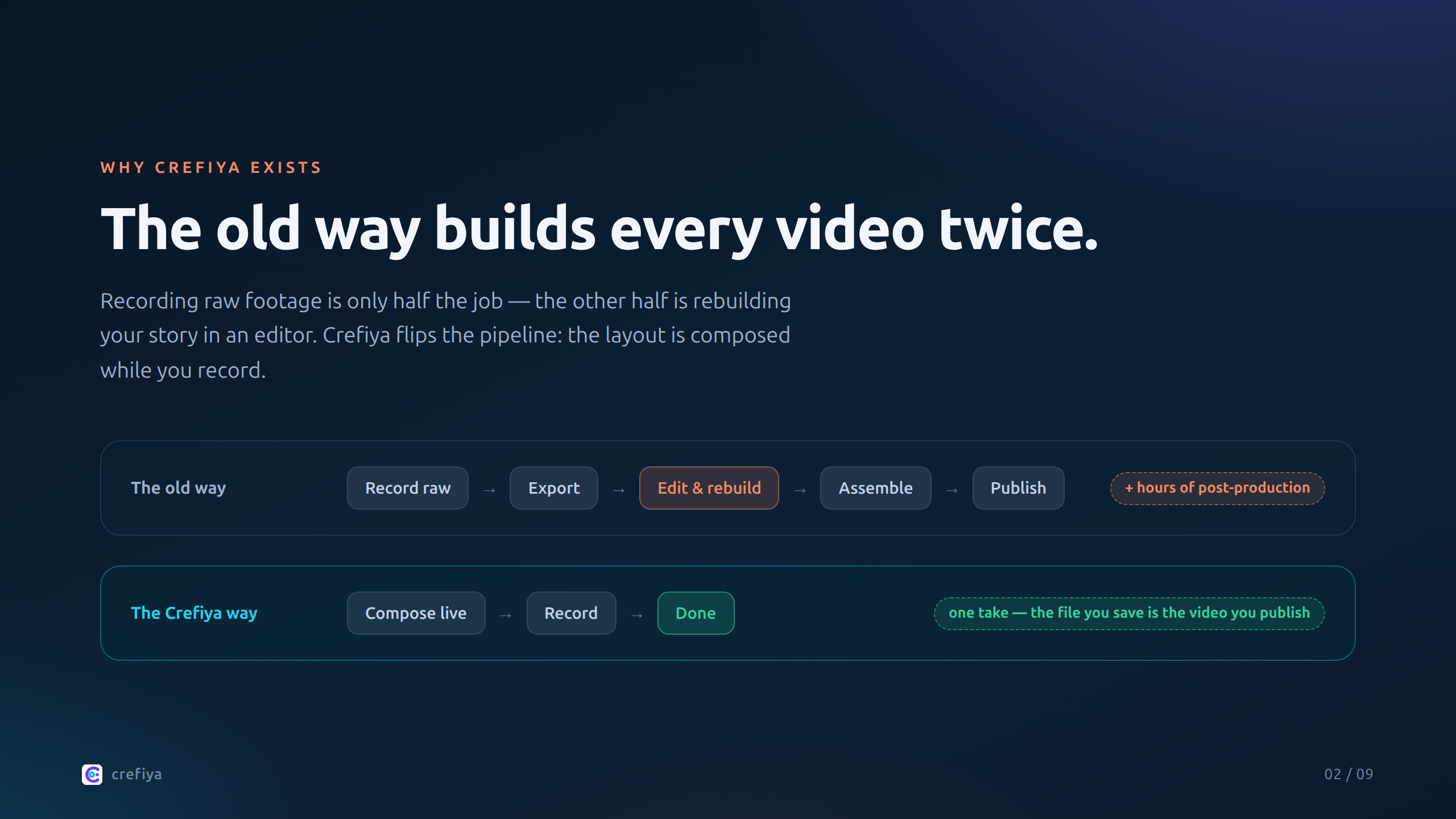
Most tools force you to record raw footage, then reconstruct your story in an editor later. Crefiya composes camera, screen, visuals, and overlays live — so the file you save is the video you publish. Use a script or improvise. Use AI or don't. You stay in control.
Crop a shared screen to the exact area your audience needs, then record it alongside your camera in a clean 50/50 or PiP layout.
Use AI-generated illustrations and slides without preparing a separate design file. Upload a reference headshot to personalize AI thumbnails with your own face.
Monitor the actual recording canvas with quality badges and real-time stats so you can catch layout issues before finishing the take.
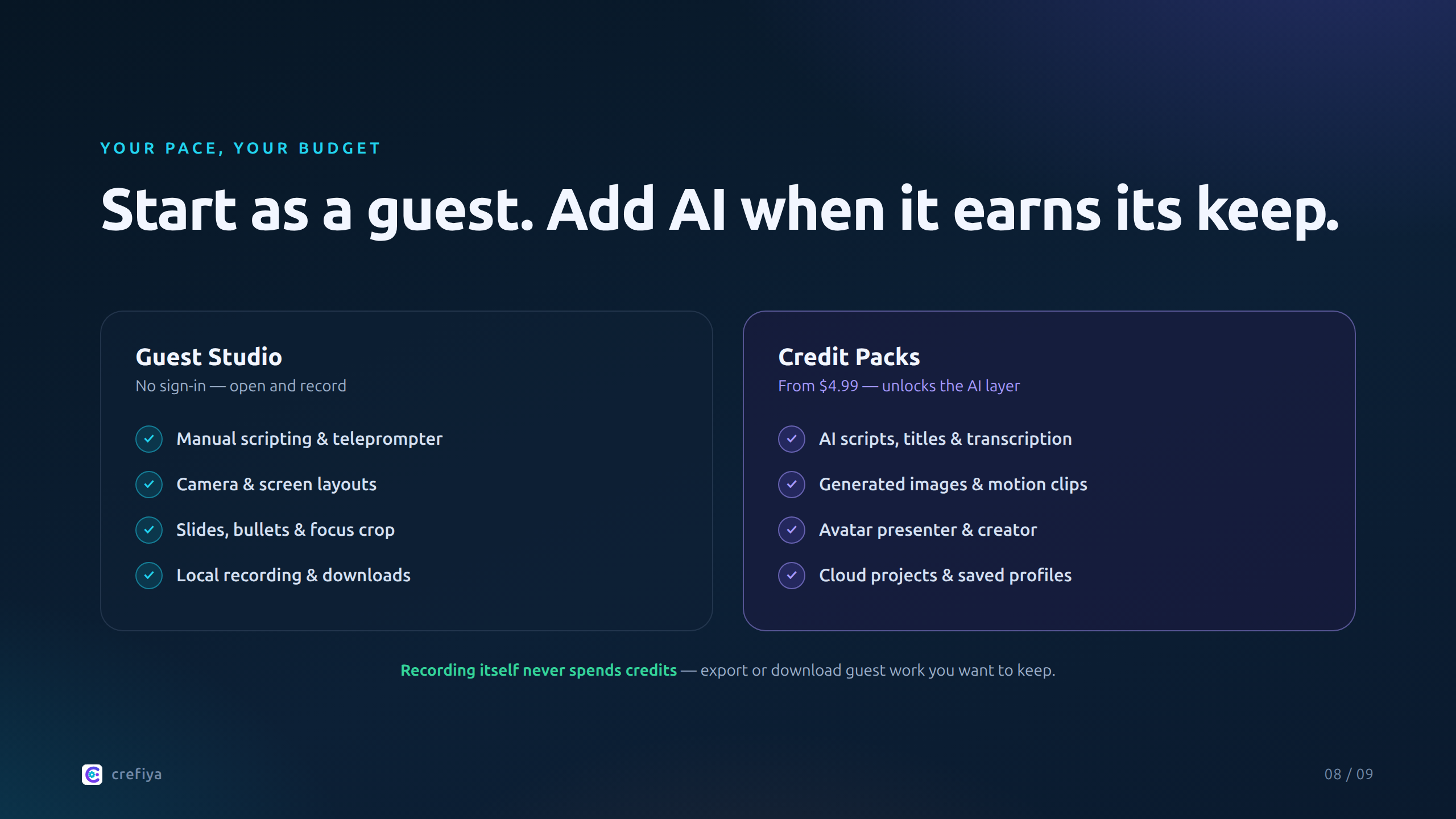
Guest mode includes manual scripting, teleprompting, camera and screen layouts, local media, and local recording. A credit pack unlocks account-level AI tools, cloud projects, and saved profiles. Recording itself does not spend credits.
$4.99
50 credits • $0.10 per credit
Best value
$14.99
300 credits • $0.05 per credit
Credit usage: 0.5 credits for titles • 1-4 credits for scripts • 1 credit in the current voice-note transcription flow • 5 credits per AI image • currently 4 credits per generated video second. Manual recording and teleprompter tools do not consume credits.
Yes. Recording happens locally in your browser, with the composed layout captured directly from the recording canvas.
Yes. On a supported mobile browser, you can write or generate scripts, manage visuals, use the teleprompter, present slides and bullets, and make straightforward camera recordings. Signed-in users can also access their cloud projects. For screen sharing, focus crop, direct PiP and Live Reveal controls, recording preview, and the most spacious multi-panel workspace, use a desktop or laptop.
Because Crefiya composes camera, screen, visuals, and overlays live while you record, the file you save is already your final cut. For most demos, lessons, and explainers, no additional assembly is needed.
Yes. Guest mode lets you test manual scripting, the teleprompter, camera and screen layouts, local media, and local recording without signing in. Guest work is temporary, so export or download anything you want to keep.
No monthly subscription is required for the current Studio unlock. Access is tied to your account and subject to service availability and applicable terms.
Crefiya is built around creative workflows, not a single AI vendor. The goal is a provider-flexible pipeline that can route tasks by quality, speed, and cost.
No. Generated visual clips are muted and are designed to play as synchronized supporting media while your recorded narration remains the primary audio.
Yes. Avatar Presenter uses the camera to drive an illustrated host. It is currently available in landscape camera view, and custom publishing requires a signed-in account.